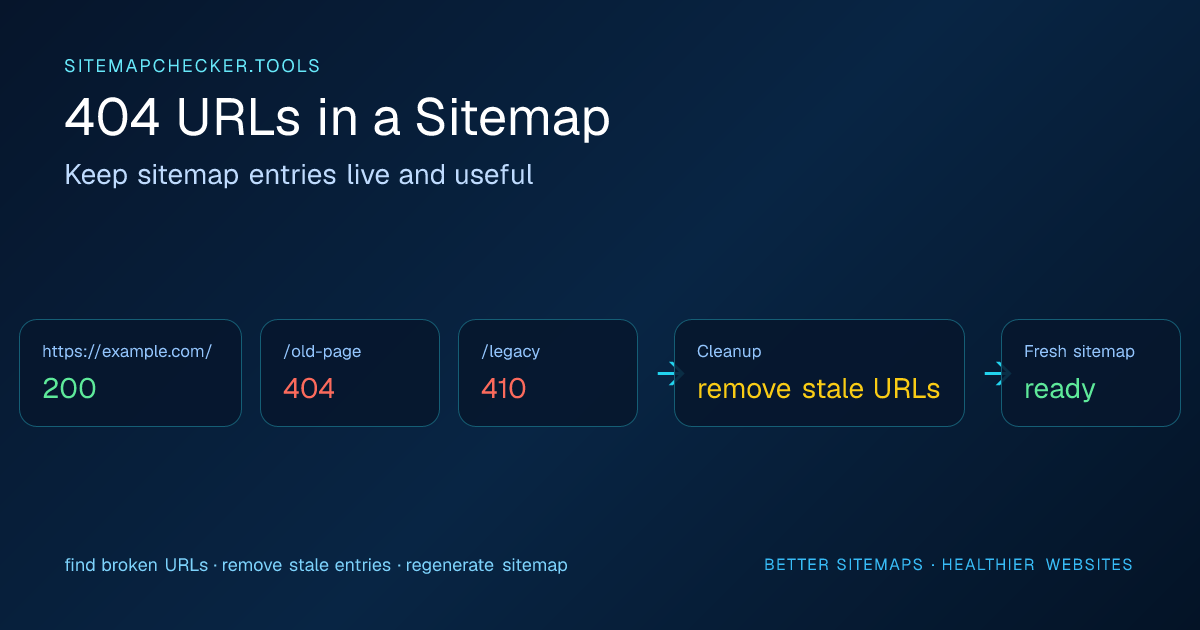
Quick answer: If a sitemap URL is permanently gone with no replacement, remove it from the sitemap. If it moved, permanently redirect the old URL and list the final destination instead. If the 404 is accidental, restore the page. If the URL returns 200 but behaves like a missing page, investigate a soft 404.
Use the Sitemap URL Checker to sample live sitemap URLs and separate real HTTP failures from redirects, noindex directives, and canonical conflicts.
Should a sitemap contain 404 URLs?
Normally, no.
Google's sitemap guidance says to include the canonical URLs you want to see in search results. A true 404 is not an indexable page, so there is no benefit in deliberately keeping it in the sitemap.
Google's current Search Console documentation distinguishes the sitemap file from the URLs inside it: a wrong sitemap-file URL can produce a 404 fetch error, while inaccessible URLs listed inside a readable sitemap are surfaced separately as URL-access problems.
The practical rule is:
If a URL is permanently gone, remove it from the sitemap. If it moved, fix the redirect and list the final preferred destination instead.
Choose the action by what happened to the page
| Situation | Correct page behavior | Sitemap action |
|---|---|---|
| Page was permanently deleted and has no replacement | Return 404 or 410 | Remove the URL |
| Page moved to a clear replacement | Permanent redirect to the replacement | Remove the old URL and list the final destination |
| Page still exists but accidentally returns 404 | Restore a successful response | Keep or restore the intended canonical URL after fixing it |
| Page returns 200 but shows a “not found” experience | Investigate a soft 404 | Fix the page or return a real 404/410, then clean the sitemap |
| Server temporarily returns 5xx | Fix availability first | Do not remove a valuable URL solely because of a short outage |
Google treats ordinary 4xx responses as unavailable content for Search, and its crawling guidance recommends 404 or 410 when content is truly gone. If content moved, use a meaningful permanent redirect instead of redirecting every missing URL to an unrelated page.
First decide whether the 404 is correct
Not every 404 should be redirected.
If a page was deleted and there is no meaningful replacement, returning 404 or 410 can be the correct server behavior. The sitemap is what needs fixing.
If a page moved to a clear replacement, a permanent redirect may be appropriate. For redirect-specific cleanup, use the sitemap redirects guide. In that case:
- redirect the old URL to the best matching replacement;
- update internal links;
- remove the old URL from the sitemap;
- add the final destination if it belongs in the sitemap.
Avoid redirecting every missing URL to the homepage. That creates a poor user experience and can hide broken information architecture instead of fixing it.
Why do 404 URLs remain in sitemaps?
Deleted CMS records are still included by a plugin
A sitemap plugin may query an outdated content status, cache, or taxonomy relationship and continue emitting URLs after the page is removed.
Static sitemap files are stale
A manually generated sitemap.xml can remain unchanged for months while the site evolves.
A migration changed URL patterns
After a platform migration, old category, product, article, or media URLs may still be generated from legacy data.
Deployment and sitemap generation are out of sync
A build process can publish a sitemap before the corresponding pages are deployed, or leave old sitemap artifacts after pages disappear.
The application returns soft 404s inconsistently
Some missing pages return HTTP 200 with a “not found” message, while others return a real 404. Google calls the first pattern a soft 404 when the response looks like an error or has no meaningful main content despite returning success.
A simple status checker can identify true HTTP failures, but a 200 response alone cannot prove that the page contains valid content. If Search Console reports a soft 404, inspect the rendered page with URL Inspection and determine whether the page is genuinely present, moved, or gone.
How to find broken URLs in a sitemap
Start with the sitemap itself
Make sure the XML is valid and identify whether you are dealing with a single URL sitemap or a sitemap index with many child files.
For large sites, errors can be isolated to one child sitemap such as products, categories, posts, or images.
Live-check page URLs
A page-level audit requests listed URLs and records their final status.
Useful buckets include:
- 2xx successful responses;
- 3xx redirects;
- 404 or 410 missing pages;
- 5xx server errors;
- fetch timeouts or connection failures.
SitemapChecker.tools intentionally checks a bounded sample rather than crawling every URL on a very large site. If the sample finds several 404s, run a full crawl or export from your CMS to measure the complete problem.
404 vs 410 in a sitemap
Both mean the URL is unavailable for normal indexing purposes.
A 404 means the requested resource was not found. A 410 means it is gone. Whichever status you intentionally use, the URL generally should not remain in the active sitemap unless the response is temporary and the page is about to return.
The sitemap should describe the current preferred URL set, not serve as an archive of deleted pages.
What about temporary 5xx errors?
A 5xx response is different from a deliberate 404. It usually indicates a server problem rather than a permanently missing page.
Do not immediately remove valuable pages from the sitemap because of a brief outage. Instead:
- confirm whether the 5xx is repeatable;
- check application and hosting logs;
- review deployment health and origin capacity;
- fix the server problem;
- re-run the sitemap audit.
Persistent 5xx responses are still serious because search engines cannot reliably fetch the listed pages.
How to fix stale 404 entries properly
A durable fix happens at the source that generates the sitemap.
CMS-generated sitemaps
Check whether deleted, draft, private, expired, or unpublished records are incorrectly included. Review SEO plugin settings and clear stale caches when necessary.
Custom sitemap generators
Make the sitemap query the same source of truth used by your production routes. Filter out records that cannot produce a live canonical page.
Static-site builds
Generate sitemap entries from the actual route manifest after content generation, not from an older content inventory that can drift away from deployed pages.
Ecommerce sites
Pay special attention to discontinued products, empty categories, removed variants, and locale-specific URLs. Decide which should redirect, which should disappear, and which should remain live with an appropriate replacement message.
Recheck redirects and canonicals after fixing a 404
A common “fix” changes a 404 into a redirect without updating the sitemap. That improves the user outcome but still leaves a redirecting sitemap entry.
The cleaner final state is:
- sitemap lists the final preferred URL;
- final URL returns a successful response;
- no accidental noindex is present;
- canonical signals are consistent; if the destination declares another preferred URL, resolve the sitemap canonical mismatch before treating the cleanup as complete;
- old URL redirects only if a meaningful replacement exists.
Use Search Console for Google-specific follow-up
After cleaning the sitemap, Search Console can help you understand whether Google is crawling and indexing the corrected URLs. The Sitemaps report shows parsing and fetch issues, while URL Inspection can test an individual URL from Google's perspective.
A third-party checker cannot guarantee that Google will index a page. Its role is to remove obvious technical contradictions before you investigate Google-specific indexing decisions. If the restored destination also carries an unexpected noindex, use the noindex URLs in sitemap guide to resolve that separate conflict.
Final checklist
For every 404 found in a sitemap:
- confirm the HTTP status is real and repeatable;
- decide whether the page is permanently gone or moved;
- remove permanently gone URLs from the sitemap;
- redirect moved URLs to the best matching destination;
- list the final destination rather than the redirecting source;
- fix the sitemap generator so the stale URL does not return on the next rebuild;
- re-run the sitemap checker.
A good sitemap is not the biggest possible list. It is a clean, current list of preferred URLs that actually resolve the way your site intends.